
new
All Plans
Mobile
Mobile: Pivot Table Widgets on Dashboards
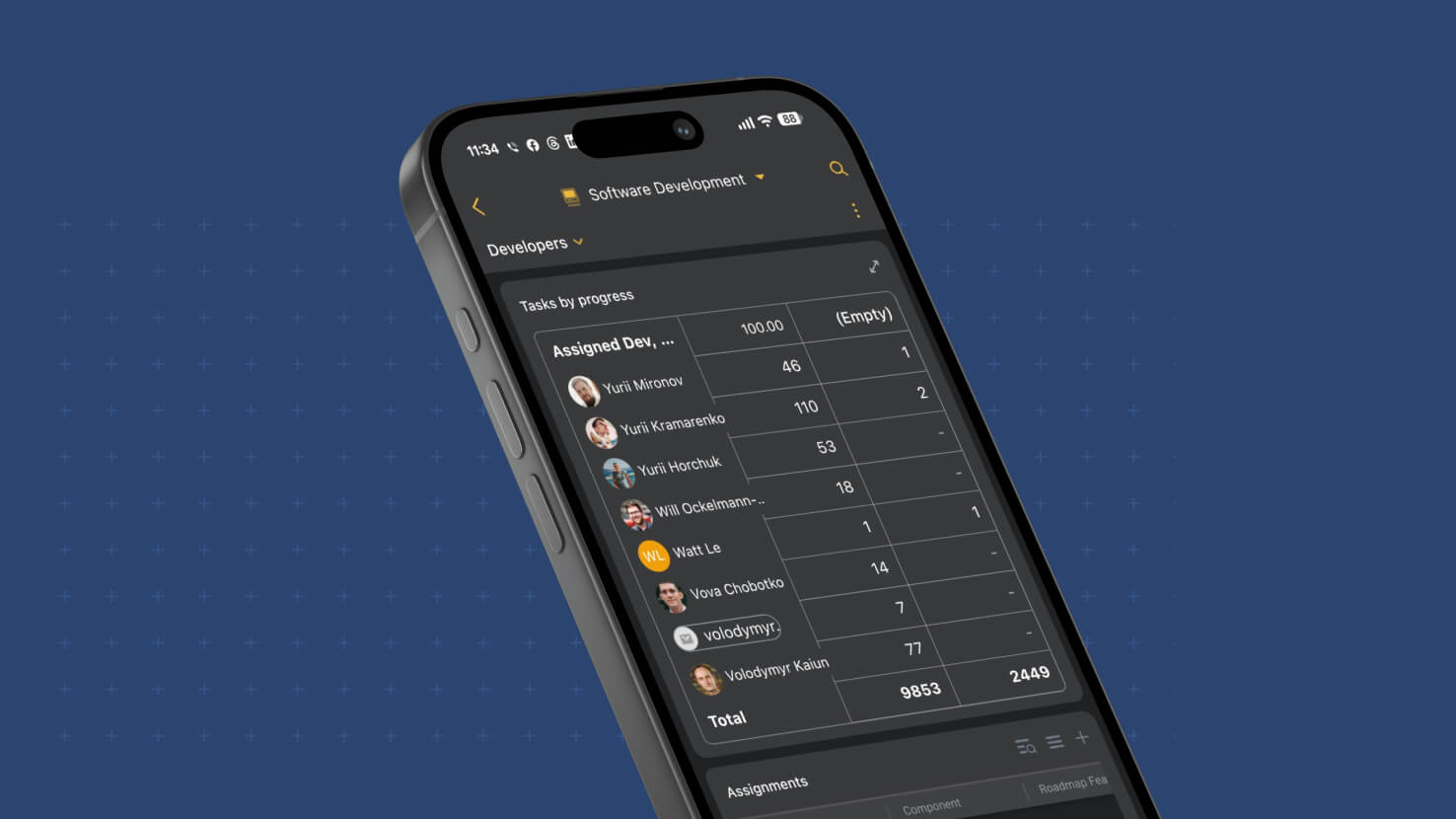
Pivot Table widgets now come along when your dashboards go mobile. A dashboard that contained a pivot used to show an empty space in its place in the SmartSuite mobile app, which left out one of the most useful summary views for anyone checking numbers away from a desk. The widget now renders on phone and tablet with the same cross-tab you see on the web, and it stays interactive: tap through to the records behind any number, or open the table full screen for a closer look.
Key Highlights
- The Same Numbers As The Web: Rows, columns, cell values, row and column totals and the grand total all match the web app, in light and dark themes.
- Formatting That Follows The Field: Currency, percent, precision, prefixes and suffixes display the way the summarized field is configured, and a combination with no records shows a dash.
- Pinned Headers: The header row and the first column stay in place while the rest of the table scrolls in both directions.
- Tap Through To Records: Tapping a cell opens exactly the records counted there. Row and column totals open that row or column, and the grand total opens every record behind the widget.
- Full Screen Tables: An expand icon in the widget header opens the pivot on its own screen, sized to the device, with drill-in still available.
- Record Selector Aware: A pivot scoped by a Record Selector widget follows the selected record, and its drill-in stays scoped to it.
- Built For Large Tables: Column widths authored on the web carry over, and tables at the 1,000-row or 1,000-column maximum load quickly and scroll smoothly.
How It Works
- Build or edit the Pivot Table widget on the web as usual. Configuration stays on the web, and the mobile app displays the result.
- Open the dashboard in the mobile app and the pivot appears in place, with its title and description.
- Scroll horizontally and vertically through the table, then tap any value or total to see the underlying records. Going back returns you to the dashboard.
- Tap the expand icon to view the table full screen.
- If a widget's row or column field has been removed, or you cannot access its table, the widget shows a clear message instead of an empty space.
The summaries your team relies on now travel with them. Available on all plans.