
new
All Plans
Automations & Integrations
API: Turn off default fields for tables
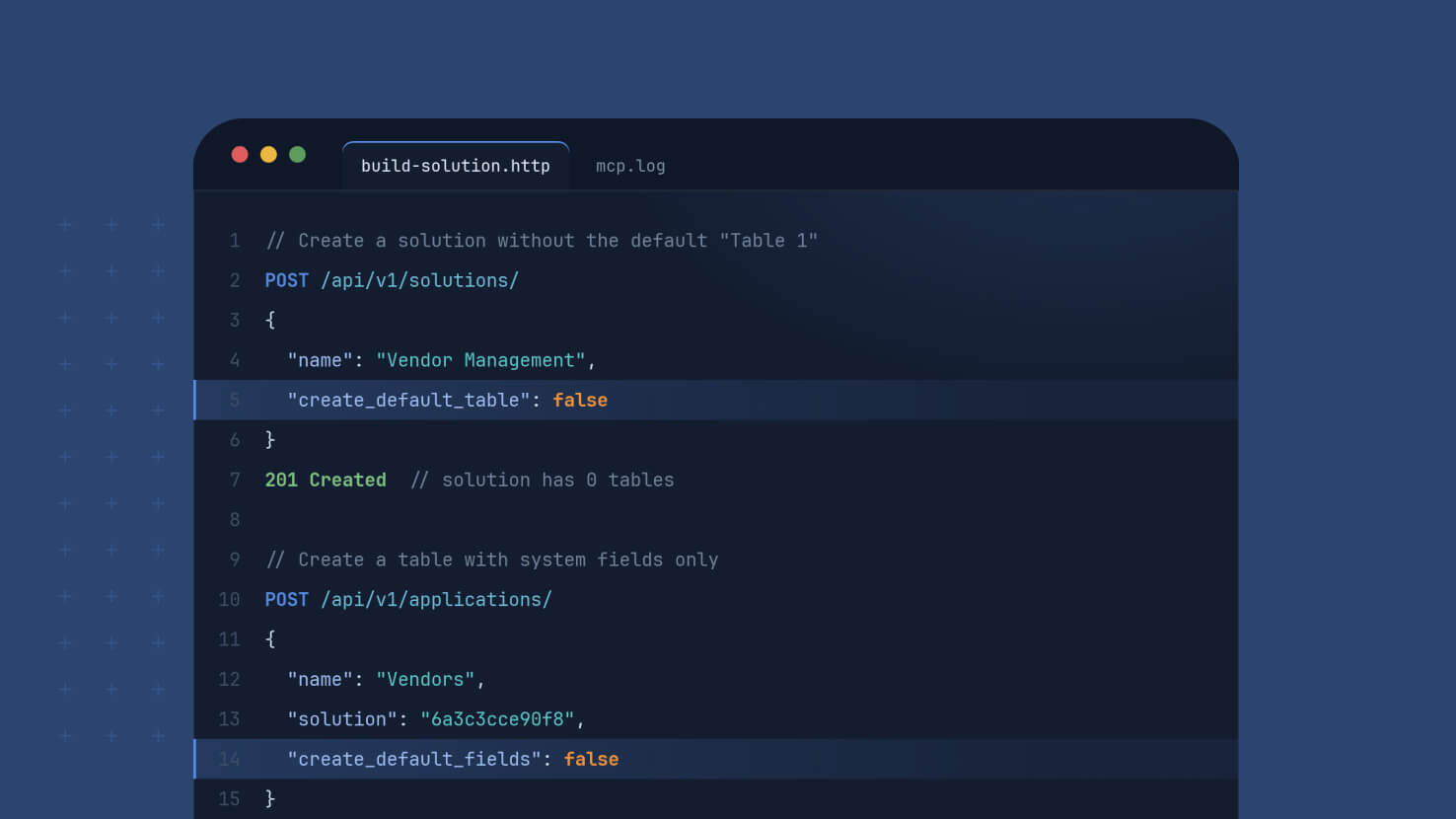
Building through the SmartSuite API used to start with cleanup. Every table created by the Create Table endpoint arrived with five default fields, and every solution created by the Create Solution endpoint arrived with a placeholder "Table 1", so any client that sent its own structure had to go back and remove what it never requested. Two optional flags now let a request skip those defaults entirely, so what you send is what gets built.
Key Highlights
- Tables Without Default Fields: Set create_default_fields to false on Create Table and Status, Priority, Due Date, Assigned To and Description are never created. The table holds its system fields plus the structure in your request.
- Solutions Without A Placeholder Table: Set create_default_application to false on Create Solution and the solution is created empty, with no "Table 1" to rename or delete.
- Fewer Calls, Cleaner Builds: Scripts and agents skip the follow-up requests that used to find and remove defaults, which shortens builds and removes a common source of confusion when an automated builder finds fields it did not plan.
- Nothing Changes Unless You Ask: Both flags default to true. A request that omits them behaves exactly as before, so existing integrations need no changes.
- Documented For Developers: Both parameters, their types, their defaults and example requests are covered in the API documentation.
How It Works
- Add "create_default_fields": false to a Create Table request. With an empty structure, the new table contains only the system fields: Title, First Created, Last Updated, Followed by, Open Comments and Autonumber.
- Send a custom structure alongside the flag and the table is created with your fields and the system fields, and none of the defaults.
- Add "create_default_application": false to a Create Solution request to create a solution with no tables, then add the tables you actually want.
- The flags are write-only. They shape what gets created and do not appear in the response body.
What you build through the API now matches what you asked for, from the first request. Available on all plans.